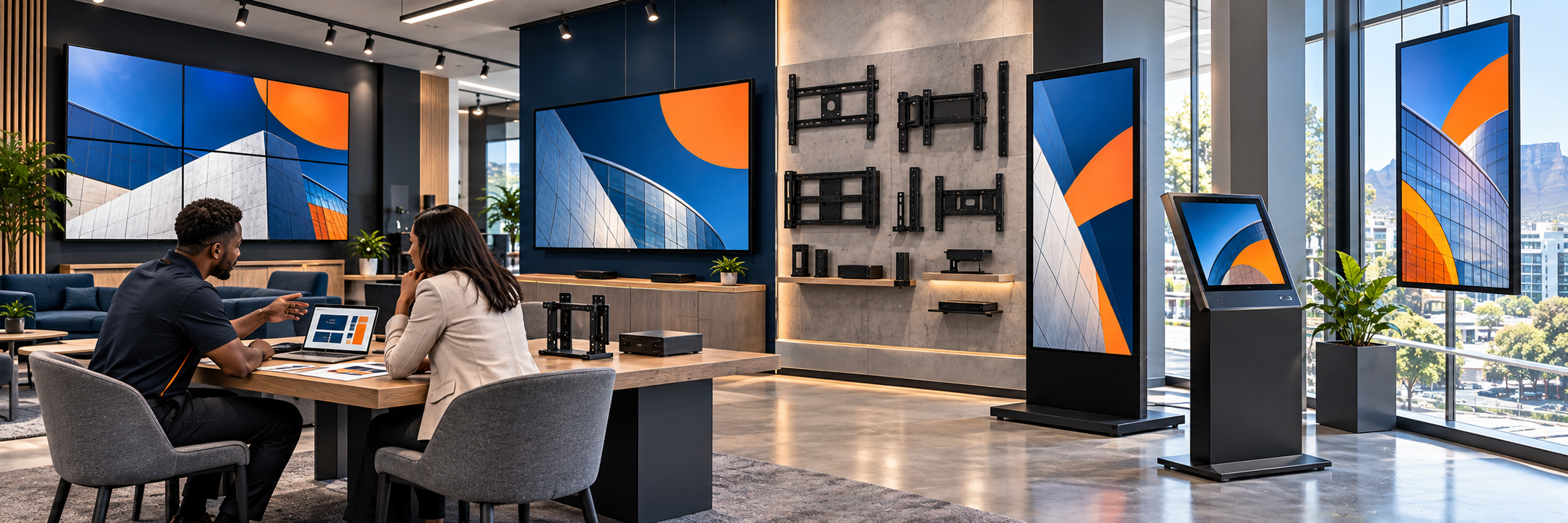
Where you buy depends on how many screens you need and where they will go. For one or two low-risk screens, such as a staff room or a short pilot, a consumer TV from a mainstream retailer can be enough. For anything customer-facing, bright, portrait-mounted, or running long trading hours, buy a commercial signage panel from an authorised distributor, audio-visual reseller, or integrator who provides a valid South African warranty, and do the same for ten or more screens so that every branch gets the same model.
Digital signage screens are not all the same. Brightness, operating hours, orientation, warranty, and player compatibility determine whether a screen will still perform in year three, not just on installation day, so it helps to match your buying route to the scale of the project instead of using one approach for everything.
Where Should You Check Specifications Before You Buy?
For commercial screens, start with the manufacturers' business divisions rather than their retail arms, because that is where duty ratings, brightness specifications, and warranty terms are published clearly. LG Business South Africa lists standard signage, specialist displays, OLED signage, and commercial information displays, while Samsung Business South Africa lists smart signage, interactive displays, video walls, kiosks, and outdoor and window-facing products.
You will not normally buy from those pages. Their real value is helping you confirm the exact model, brightness, and warranty, and then routing you to an authorised distributor or reseller who holds stock locally, which keeps your warranty and support in South Africa and matters when you need a swap-out in year two.
If you plan to run Imagine, check compatibility at the same time. Imagine runs directly on compatible LG commercial webOS signage displays and supported Android-based screens, and Samsung commercial displays are not yet supported. A display from another brand can still work with a compatible external Android or LG webOS media player connected by HDMI, and the supported hardware page sets out the requirements. Our guides to the best digital signage hardware and choosing digital signage screens explain what to look for in a panel.
What Should You Buy for One or Two Screens?
With one or two screens you have the most flexibility, because delivery, mounting, and consistency are far simpler at that scale. For a low-risk internal screen, such as a staff room, a small office, or a short pilot, a consumer television from a retailer such as Makro, Game, Incredible Connection, HiFi Corp, or Takealot can be a sensible starting point. When hours are short, the environment is controlled, and failure is not costly, there is no need to over-engineer the purchase.
Two things are worth checking even then. First, a consumer TV needs a way to run the player. If the TV runs Android TV you can install the Imagine Player on it, and if it does not, an affordable Android media player can turn almost any TV into a managed display. Second, the SABC's business licensing guidance states that each TV set used on business premises requires a business TV licence, so ask whether the display has a television receiver or a tuner.
For anything customer-facing, bright, portrait-mounted, or running long trading hours, buy a commercial panel even if you only need one, from an authorised distributor or audio-visual reseller who can supply the correct signage model with a valid South African warranty. Ask four things:
- Is the quoted model a commercial signage panel or a consumer television?
- Does the warranty cover portrait installation?
- How many hours a day is it rated for?
- Who handles replacement if it fails?
Those questions tell you quickly whether you are dealing with a box mover or a genuine signage partner, and they protect a small purchase just as much as a large one.
What Should You Buy for Ten Screens?
Ten screens is a different job, because consistency, staging, and long-term support matter more than the price of any single panel. Authorised distributors and specialist audio-visual resellers are where most South African multi-site networks buy commercial screens. They hold local stock, handle logistics, and process warranty claims, which matters far more than a slightly lower import price from an unverified seller, and they can supply the same model across a phased rollout so that branch one and branch ten look, feel, and perform the same.
Standardise on one or two approved models wherever possible, and record the duty rating, brightness, orientation support, operating system, and warranty in writing. Two panels from the same manufacturer can have very different cooling designs, brightness levels, and portrait permissions, and those details determine whether the screens survive in a bright window, a warm kitchen, or a dusty stockroom. Our guide to rolling out digital signage across multiple branches explains how to standardise hardware across sites.
When Should You Use an Integrator?
An integrator supplies the display, media player, mount, cabling, and installation as one working system, then hands over screens that are already paired, tested, and playing. For most customer-facing sites this is the safest route, because the bracket, wall construction, power point, cable route, ventilation, mounting height, and access hours all affect reliability and final cost.
It is particularly valuable when you are buying in bulk, because a proper site survey should come before the quotation, not after delivery. A weak wall, missing power, or sun-facing window will change the model you should buy, and it is far cheaper to discover that during the survey than after ten screens have arrived. Our guide to finding a good digital signage integrator lists what to ask.
When Does a Managed Provider Make Sense?
A full-service provider combines hardware, installation, digital signage software, content setup, monitoring, and ongoing support, which suits retailers, restaurant groups, clinics, and multi-site organisations where no single branch should have to troubleshoot on its own. It also makes bulk buying far simpler to manage, because when every branch uses an approved panel, player, and mounting method, and every device is recorded in screen management with its model, serial number, and location, replacements and remote support become straightforward instead of guesswork.
Imagine can supply commercial displays, Android media players, mounting brackets, outdoor and LED displays, interactive touchscreens, installation services, and network configuration, along with ongoing support, and for larger or business-critical networks the team can connect you with an integration partner. If you share your screen size, wall type, viewing distance, operating hours, and planned content, we can point you to the right hardware path and an appropriate installer.
How Do You Compare the Complete Installed Cost?
Compare the complete installed cost, because a low panel-only price can hide most of the real project cost. Include:
- The mount and media player
- Delivery, configuration, and installation
- Software and connectivity
- Content and maintenance
Whether you are buying one screen or ten, also ask the supplier:
- Is the display rated for your planned daily hours?
- Does its brightness suit indoor, window, or outdoor use?
- Which player is required?
- Who handles mounting and commissioning?
- How are warranty claims handled in South Africa?
- Will replacement stock be available if you expand later?
A good supplier will welcome those questions, because they show you are buying for long-term performance instead of price alone. Our guide to digital signage costs in South Africa covers budgeting in more detail.
Once the screens are installed, keep accurate records for every one, and contact the Imagine team with your site details if you want specific guidance on screens before you spend anything.
--
Frequently Asked Questions
Can you buy digital signage screens from Takealot or Makro?
Yes, for low-risk internal screens. A consumer TV from a mainstream retailer such as Makro, Game, Incredible Connection, HiFi Corp, or Takealot can be a sensible starting point when hours are short, the environment is controlled, and failure is not costly. For anything customer-facing, bright, portrait-mounted, or running long hours, move to an authorised distributor or audio-visual reseller. Our guide to choosing digital signage screens explains the difference between consumer TVs and commercial displays.
What should you ask a supplier before buying a signage screen?
Ask whether the quoted model is a commercial signage panel or a consumer television, whether the warranty covers portrait installation, how many hours a day it is rated for, and who handles replacement if it fails. The answers show you quickly whether you are dealing with a box mover or a genuine signage partner.
Why buy through an authorised distributor in South Africa?
Authorised distributors hold local stock, handle logistics, and process warranty claims, so your warranty and support sit in South Africa, which matters when you need a swap-out in year two. They can also supply the same model across a phased rollout, so every branch looks and performs the same. Our rollout guide covers standardising hardware across branches.
Does Imagine run on every brand of screen?
No. Imagine runs directly on compatible LG commercial webOS signage displays and supported Android-based screens, and Samsung commercial displays are not yet supported. Other displays can use a compatible external Android or LG webOS media player connected by HDMI. Send the team your make and model and they will confirm compatibility, and the supported hardware page sets out the requirements.
Can Imagine supply the screens?
Yes. Imagine can supply commercial displays, Android media players, mounting brackets, mobile display stands, outdoor displays, LED displays, interactive touchscreens, installation services, and network configuration, along with ongoing support. Contact the Imagine team with your screen size, wall type, viewing distance, and operating hours, and we can point you to the right hardware path.