Digital Signage Software
Manage your digital signage screens, anytime, from anywhere
Digital Signage Software built by real people who have run real networks.
- No credit card required
- Get started in 5 minutes
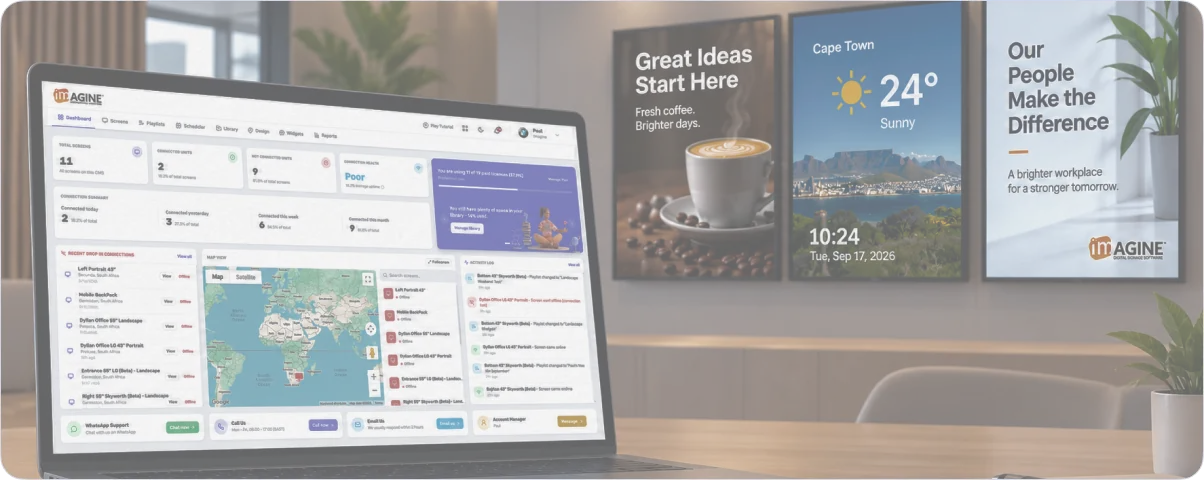
Powering 1000's of screens across Southern Africa & the rest of the World











"We have not been disappointed and are truly happy with InteractiveMedia's digital signage solutions."
 MarketingOk foods
All The Fundamentals You Would Expect
Imagine covers all the essentials, with powerful features designed for all business types.
Manage from anywhere
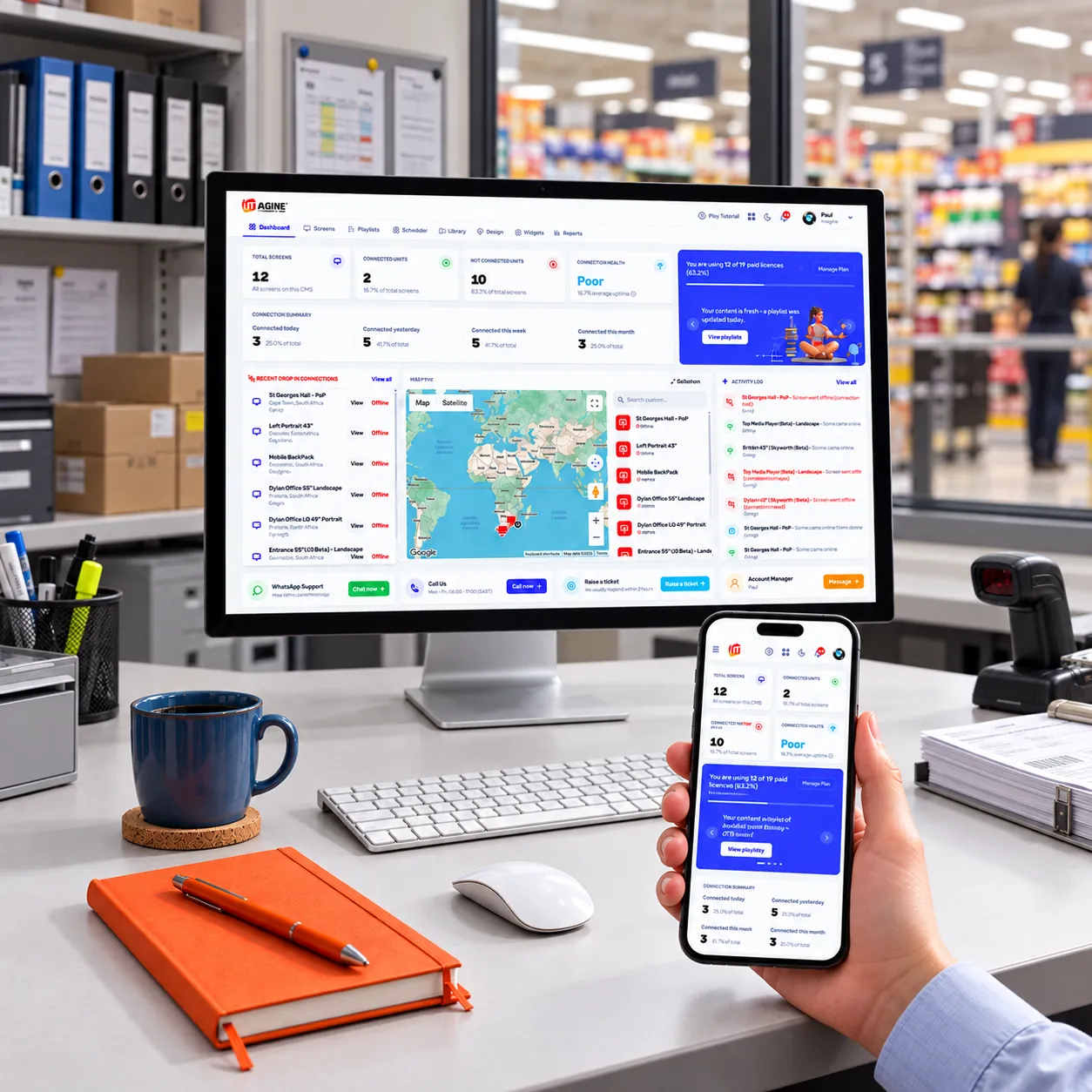
Whether at your desk or on the move, you can easily manage screens, upload, schedule & publish content from your desktop or mobile.
Any screen, any size, any resolution
From landscape and portrait screens to custom resolutions, Imagine can display on any screen format.
All media formats accepted
Display a range of images, videos, PDF files, websites, and widgets in one playlist with smooth playback transitions.
Offline playback
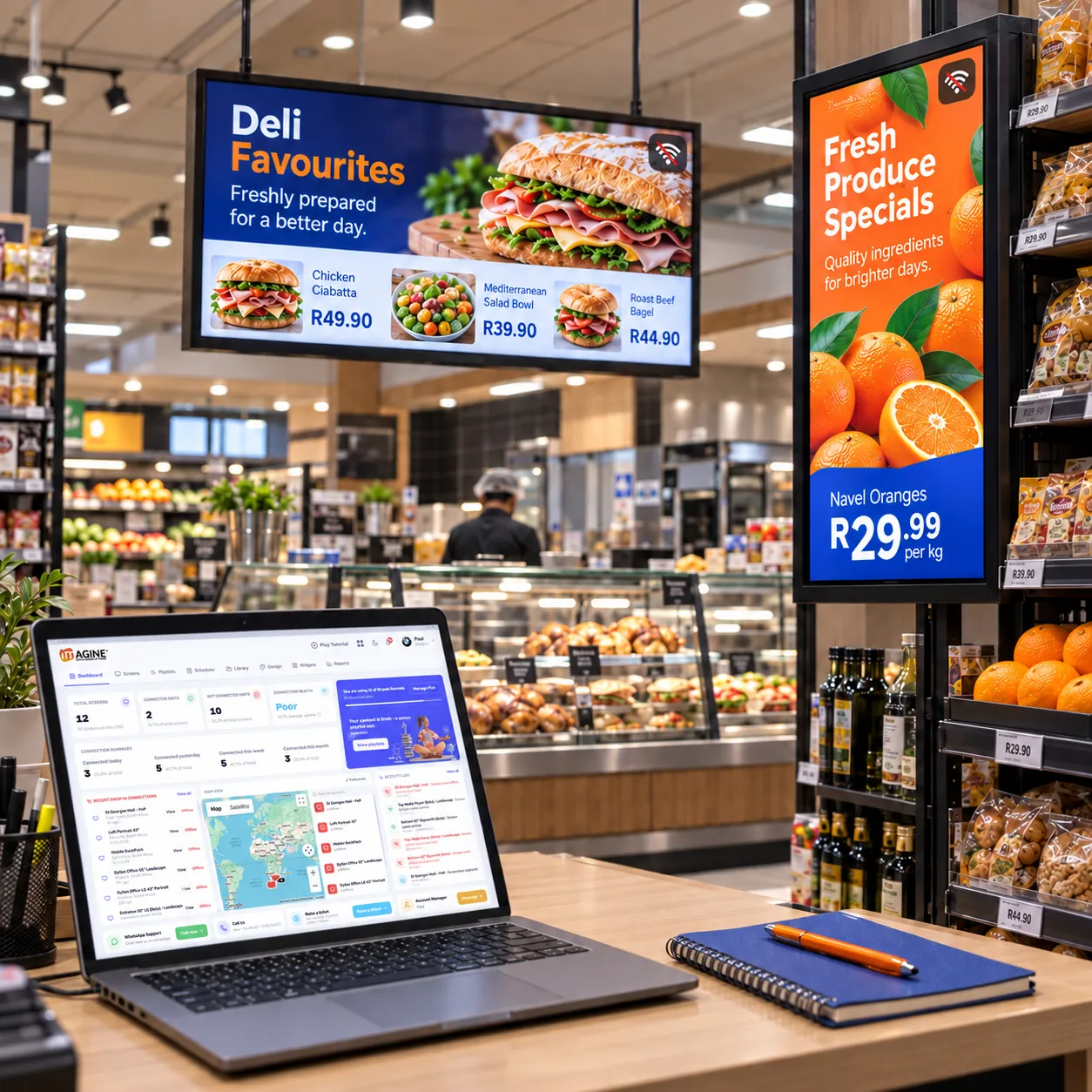
Drop in internet connection? No problem. Your downloaded content or widgets keeps playing uninterrupted until you are back online.

Key Features and Capabilities Included
Explore the powerful features that make digital signage simple, from creating and scheduling content to managing, monitoring and updating your entire screen network.
Create in Canva. Publish with Imagine
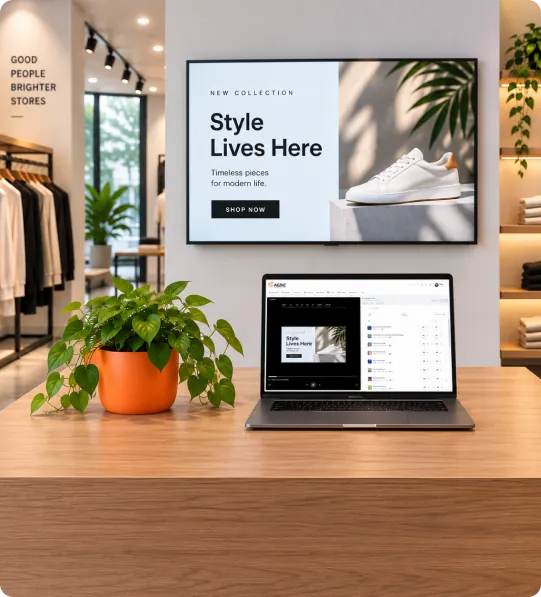
Imagine integrates directly with Canva, allowing you to create and edit images or videos without leaving the platform. Update your Canva design at any time and changes sync automatically to your playlist, with no need to upload anything again.
Find out more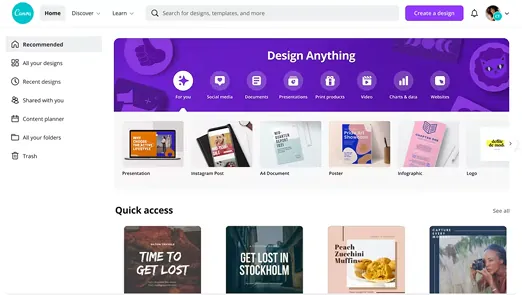
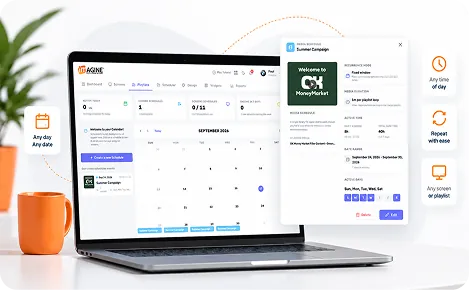
Powerful Scheduling Options
Go beyond basic scheduling. Schedule playlists, media, tickers or L-shape content across screen groups, tagged displays or playlists. Set specific days, time windows and future dates, giving you control over what plays, where and when.
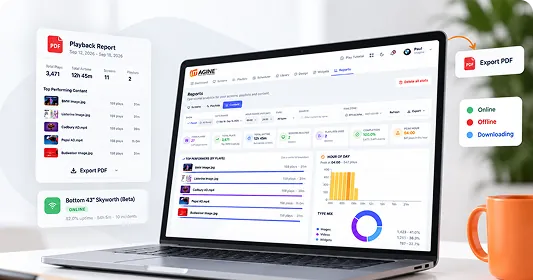
Comprehensive & Accurate Reporting
Track screen status, dropped connections, playlist plays and individual media playback from one detailed dashboard. Filter by operating hours, playback times or days, then export accurate reports whenever you need them.
30+ Free Widgets
Bring your screens to life with 30+ customisable widgets for news, weather, social feeds, countdowns, international time zones, websites and more. Choose a source, set it to match your brand, and drop it into any playlist.
View widgets

















Support is Non Negotiable
We are real people, offering real support to help you get the most out of the Imagine Software
Simple & Transparent Pricing
No limitations, no hidden costs. One simple package gives you access to every Imagine feature, with a starter option available if you want to try us out first.
Find answers to your common questions
Everything you need to know before getting started

No, ImagineSignage works with a wide range of compatible hardware, including Android displays, media players, and LG WebOS screens.
Ready to do more with your screens?
Take control, register below and join thousands of businesses already using Imagine.
Register now