








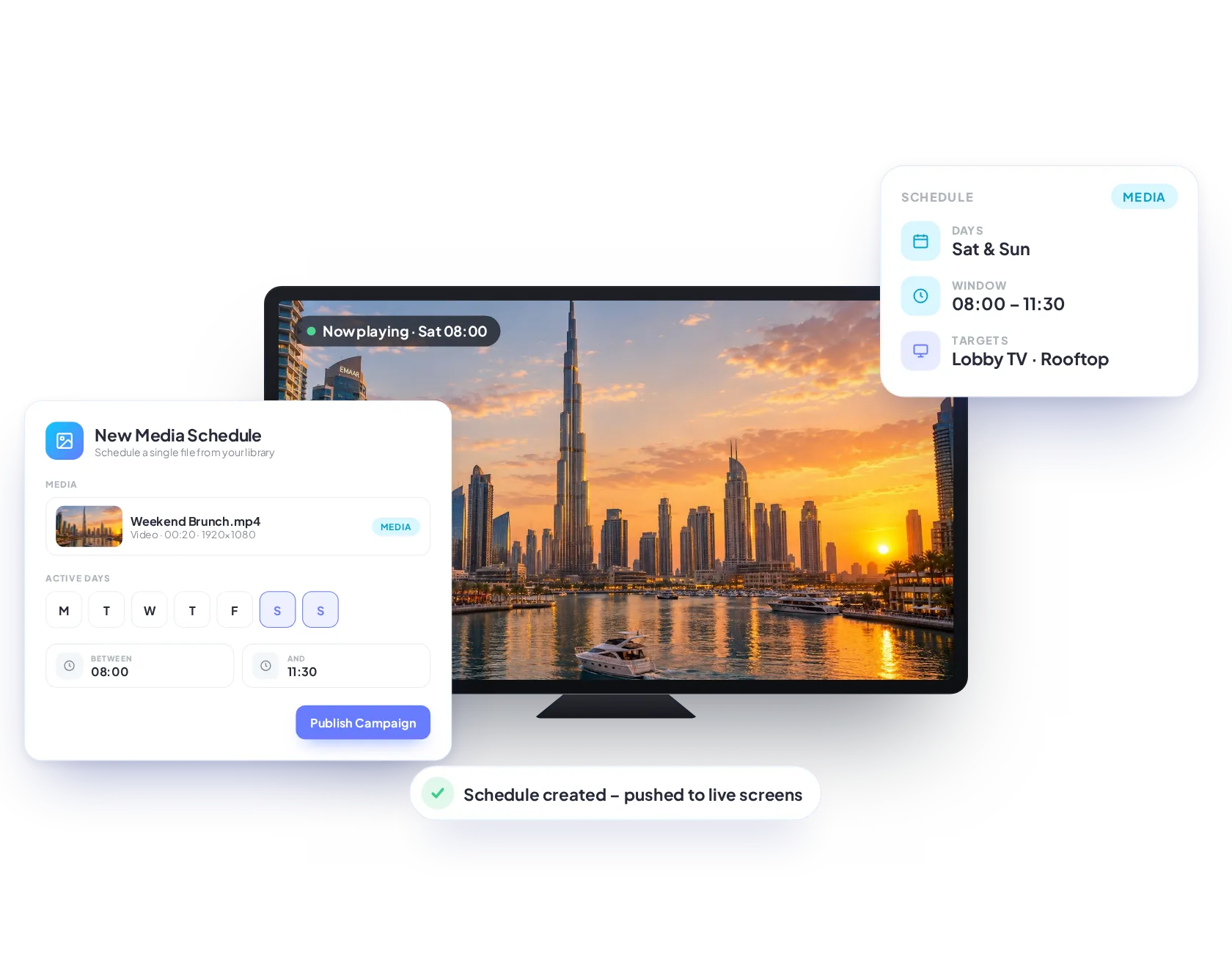
Media
Media Scheduler
Schedule a single media file to play on any screen, group of screens or within a playlist, exactly when you need it.
Plan content weeks ahead and let every screen change on its own. Schedule media, playlists, L-shape squeeze-backs and tickers by date, day and time, for one screen or your whole network.
Feature
Schedule individual images, videos or other media formats.
Feature
Set exact dates, days and times for your content to automatically start and stop.
Feature
Decide how long content runs, from a specific time window to repeating throughout the day.
Feature
Schedule to a single screen, multiple screens, groups or tagged screens.
Pick a single media file, an entire playlist, an L-shape squeeze-back overlay or a scrolling ticker band.
Schedule a single media file to play on any screen, group of screens or within a playlist, exactly when you need it.
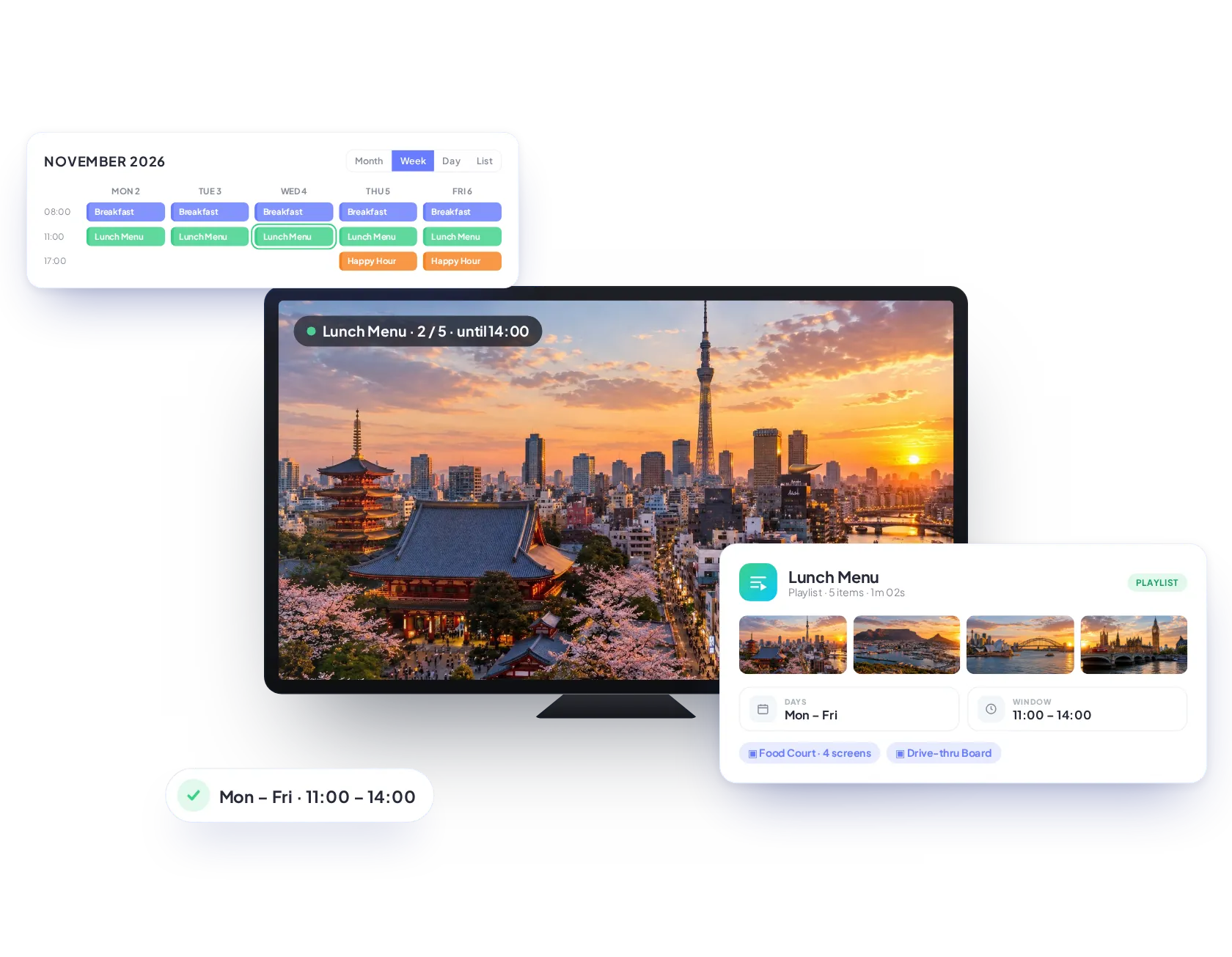
Schedule a saved playlist to play on any screen, on specific dates, times or at set times throughout the day.
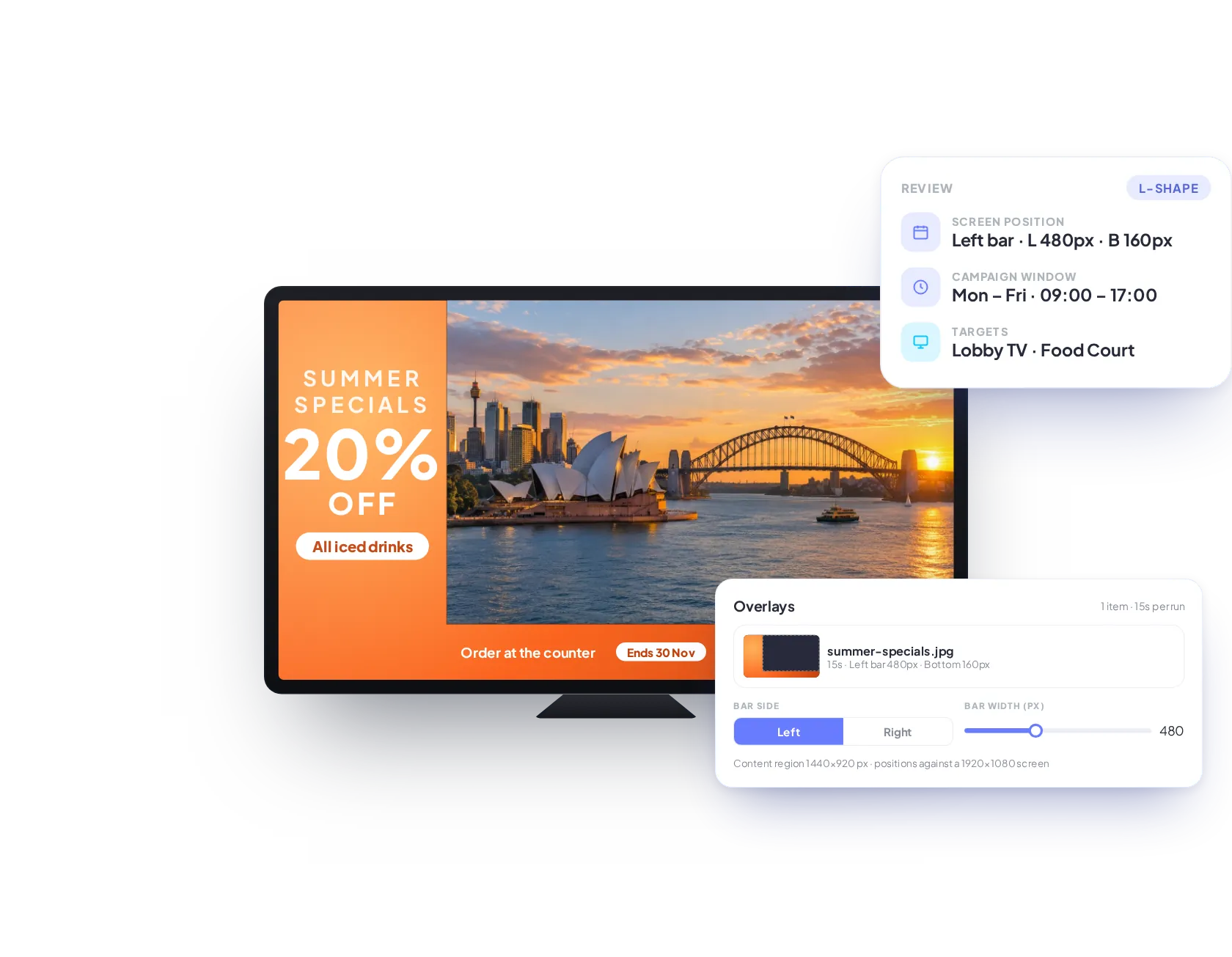
Schedule an L-shape squeeze back from the side of the screen, while keeping your existing content at its original resolution.
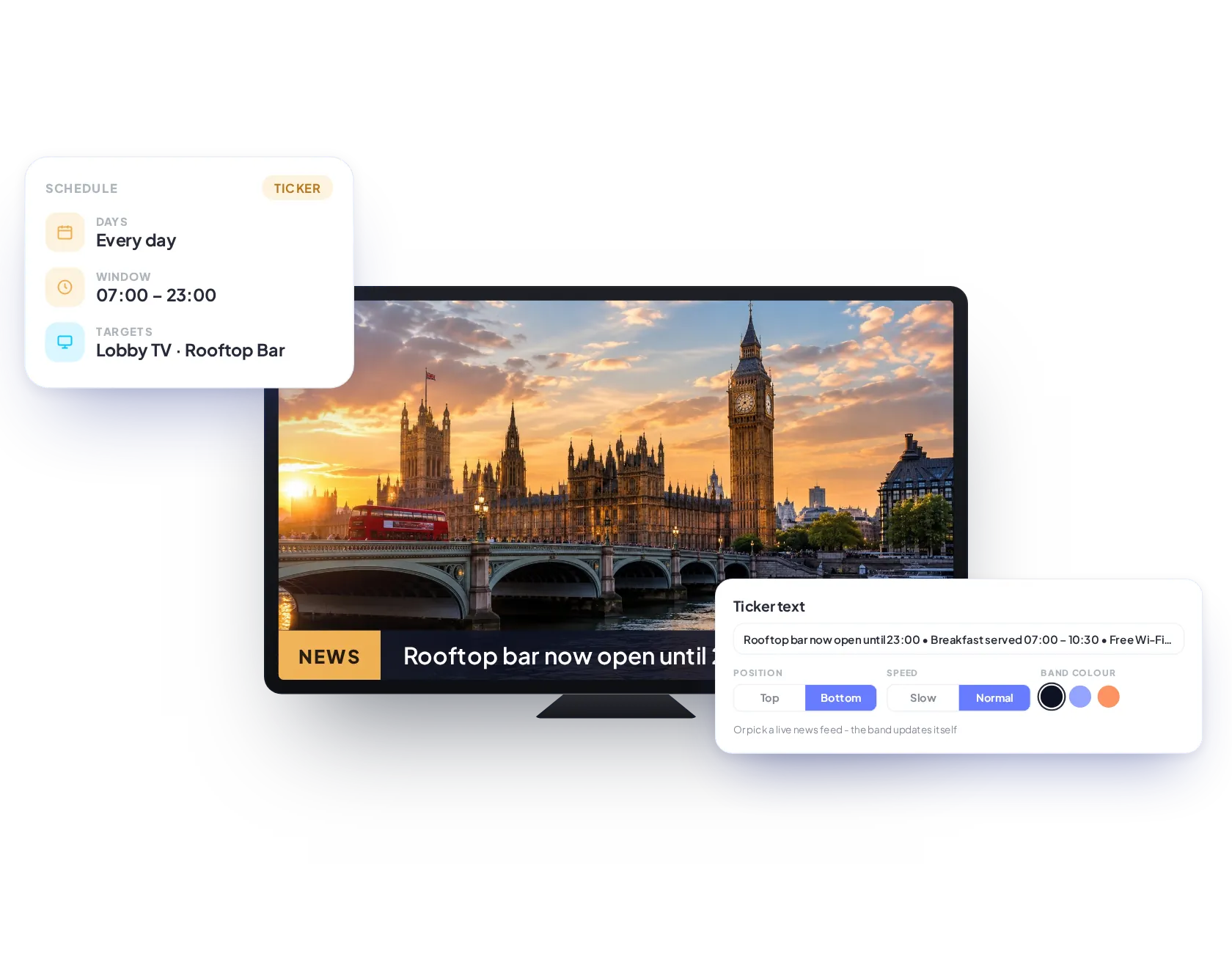
Schedule custom scrolling text or live news feeds to overlay your existing content at the top or bottom of your screen.
Plan exactly what plays, where and when. Set days, time windows and dates, target screens, groups or playlists, and run overlays like L-shapes and tickers alongside your content.
Plan exactly what plays, where and when. Set days, time windows and dates, target screens, groups or playlists, and run overlays like L-shapes and tickers alongside your content.
See exactly what played, where and when, and export it in a click. View our extensive reporting features page.
Schedule a call with a team member, there are no dumb questions and happy to guide you.
Join the businesses already running their screens on Imagine. Register in minutes, or book a demo and we'll show you around.