
World Clock Digital Signage Widget
Keep local and international times visible across your screens.
Stay Connected Across Global Time Zones
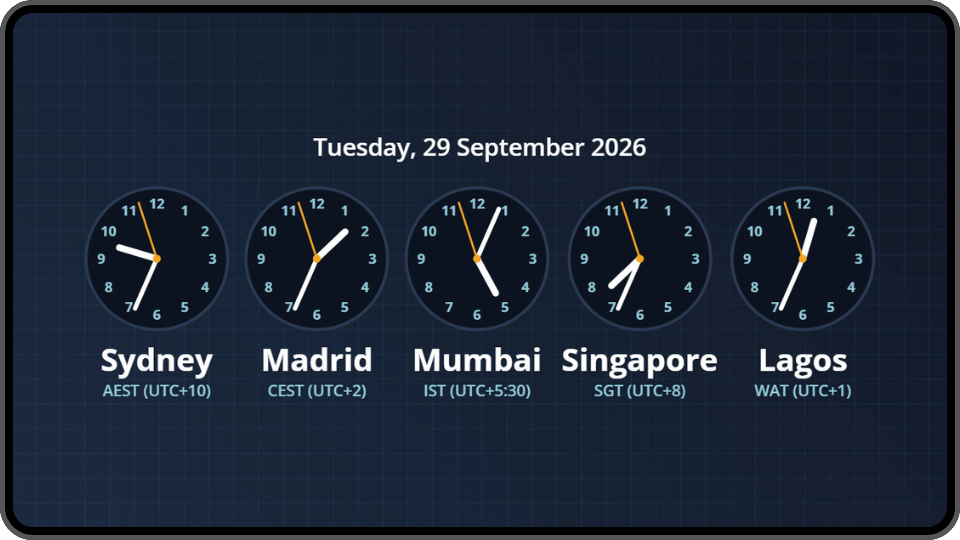
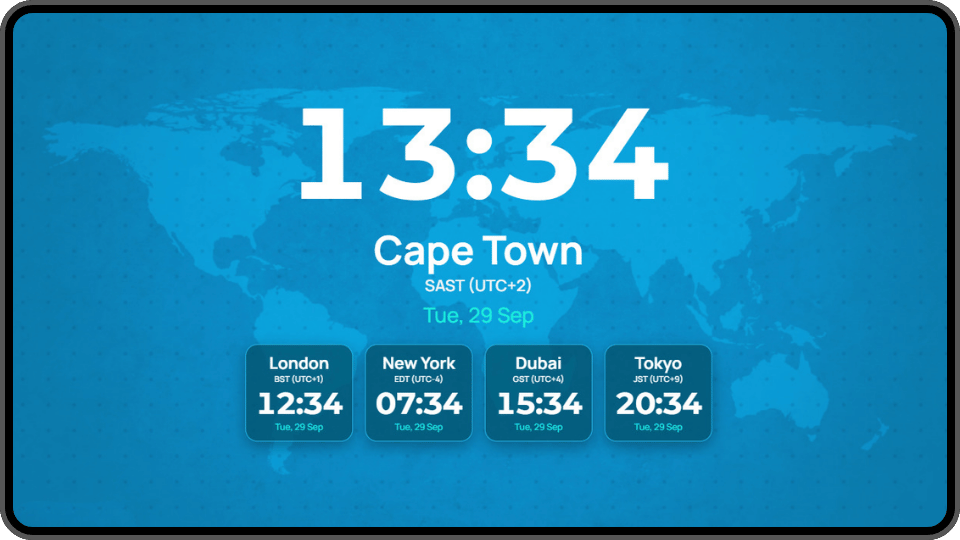
When your customers, colleagues, or operations extend beyond one city, a world clock makes important time differences easier to understand at a glance. The world clock digital signage widget lets you bring several locations together in one clear, coordinated display.
Customise the colours, layout and header, then add your logo to make the display feel like part of your own brand. It is also a useful starting point for creating a dedicated information channel, where world times can appear alongside your weather widget, news, company announcements, and other practical content.
World Clock at a glance
-
1884
Greenwich chosen as the world’s Prime Meridian
-
UTC+2
South African Standard Time throughout the year
-
26 hours
Separate the furthest standard UTC offsets
-
Up to 3 Dates
Can exist around the world at once
Find Answers to Your World Clock Widget Questions
Everything you need to know about displaying World Clock with Imagine digital signage software

You can display the local time for up to eight cities in one widget. Select the locations most relevant to your audience, business, or international operations, and give one city greater visual emphasis when you need a clear primary reference point. For example, a South African head office could highlight Johannesburg or Cape Town while displaying the current time at international branches alongside it. A hotel could emphasise its local time while helping guests keep track of the time at home or at their next destination.
More Imagine Widgets
See the full catalogue



Ready to get started? Every screen, one dashboard
Join the businesses already running their screens on Imagine. Register in minutes, or book a demo and we'll show you around.
- Free plan for your first screen
- LG webOS & Android players
- Set up in minutes