












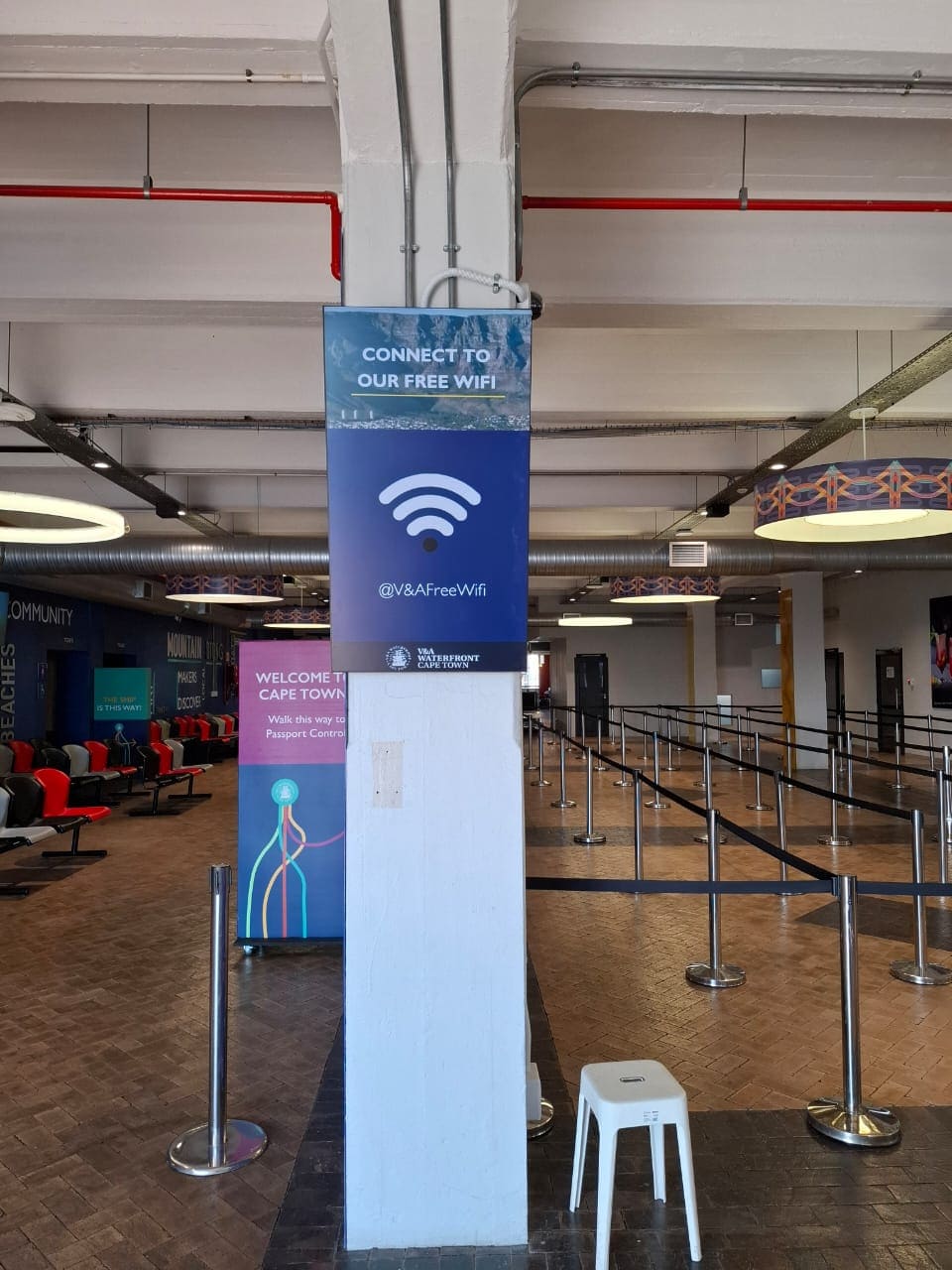
 Cape Town International Cruise Terminal
Imagine
Built in South Africa
Digital Signage Software for One Screen or a Thousand
Cloud-based digital signage software to create, schedule, and monitor content on every screen from one dashboard. Free for your first screen, with local support from our team in Cape Town.
- Runs on Android and LG webOS
- Keeps playing offline
- Canva and 20+ free widgets
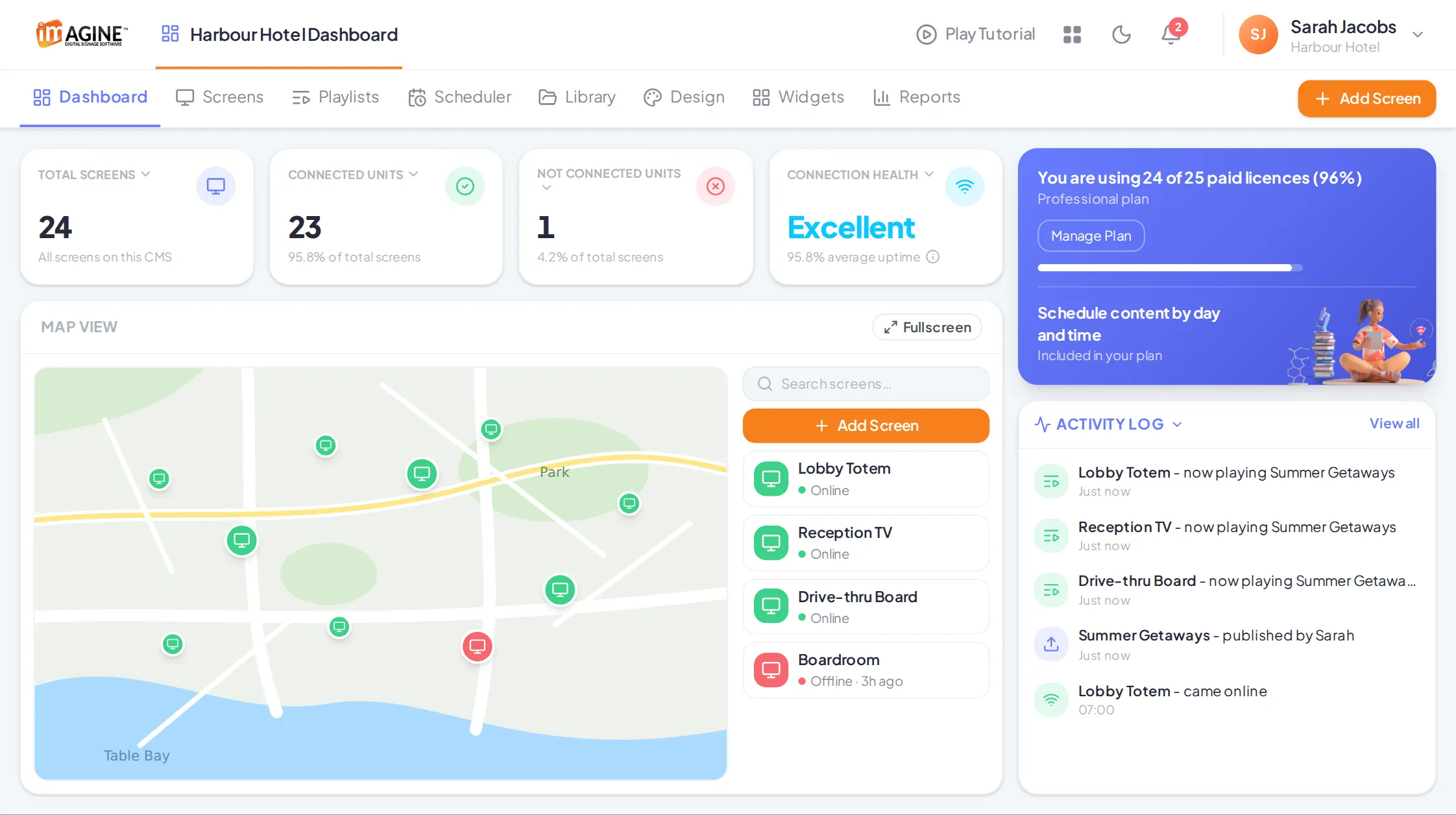
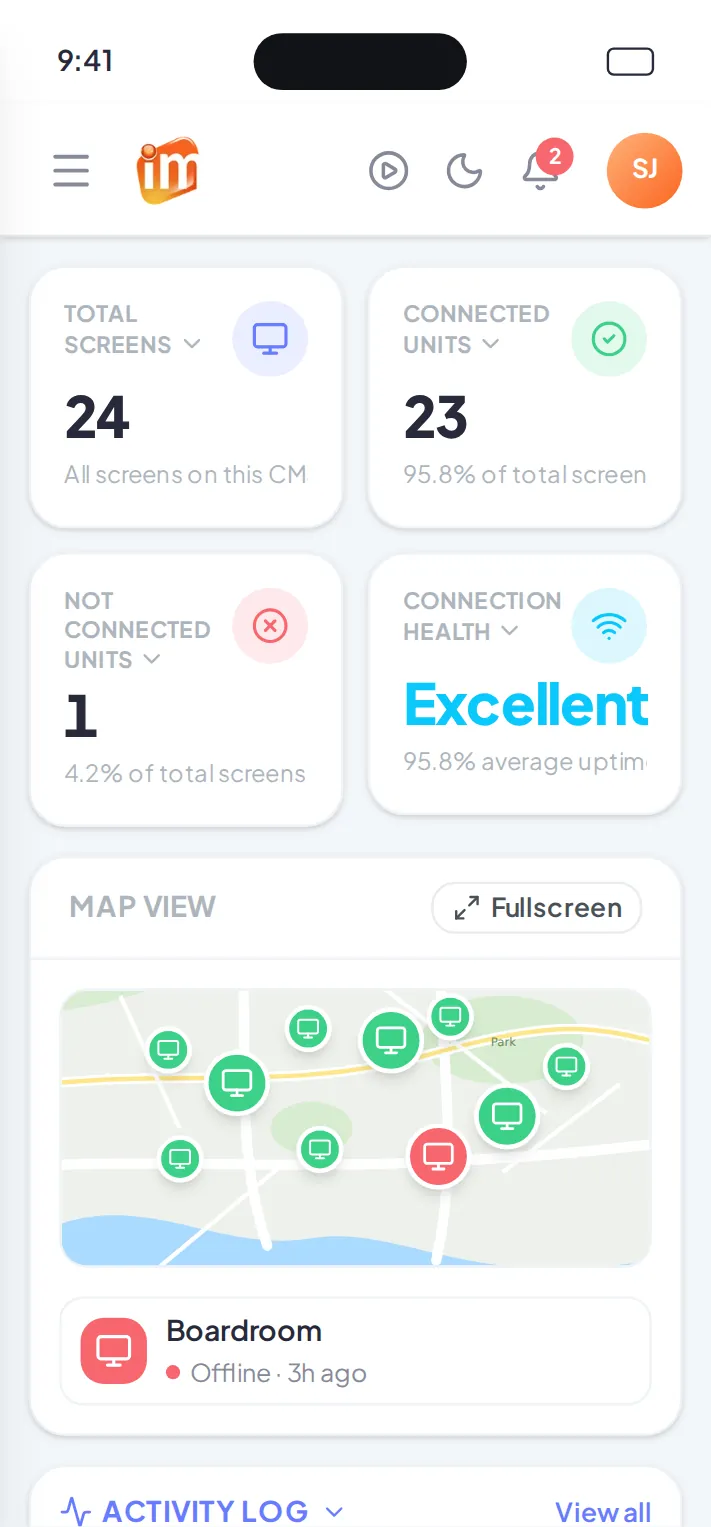
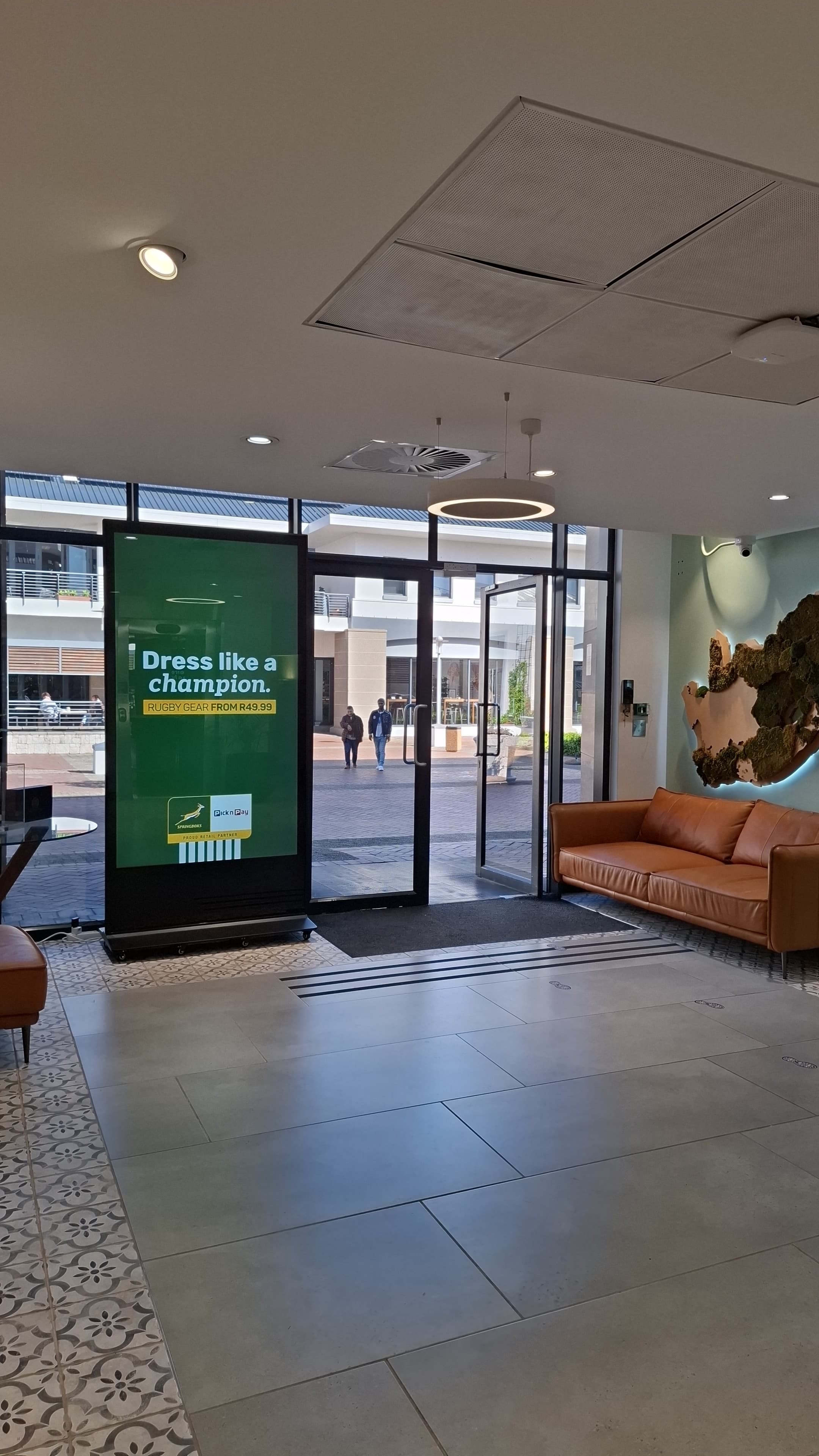
Powering Digital Signage for Brands Big and Small
Reviews
Real screens, real results
Trusted by South African Businesses for Digital Signage
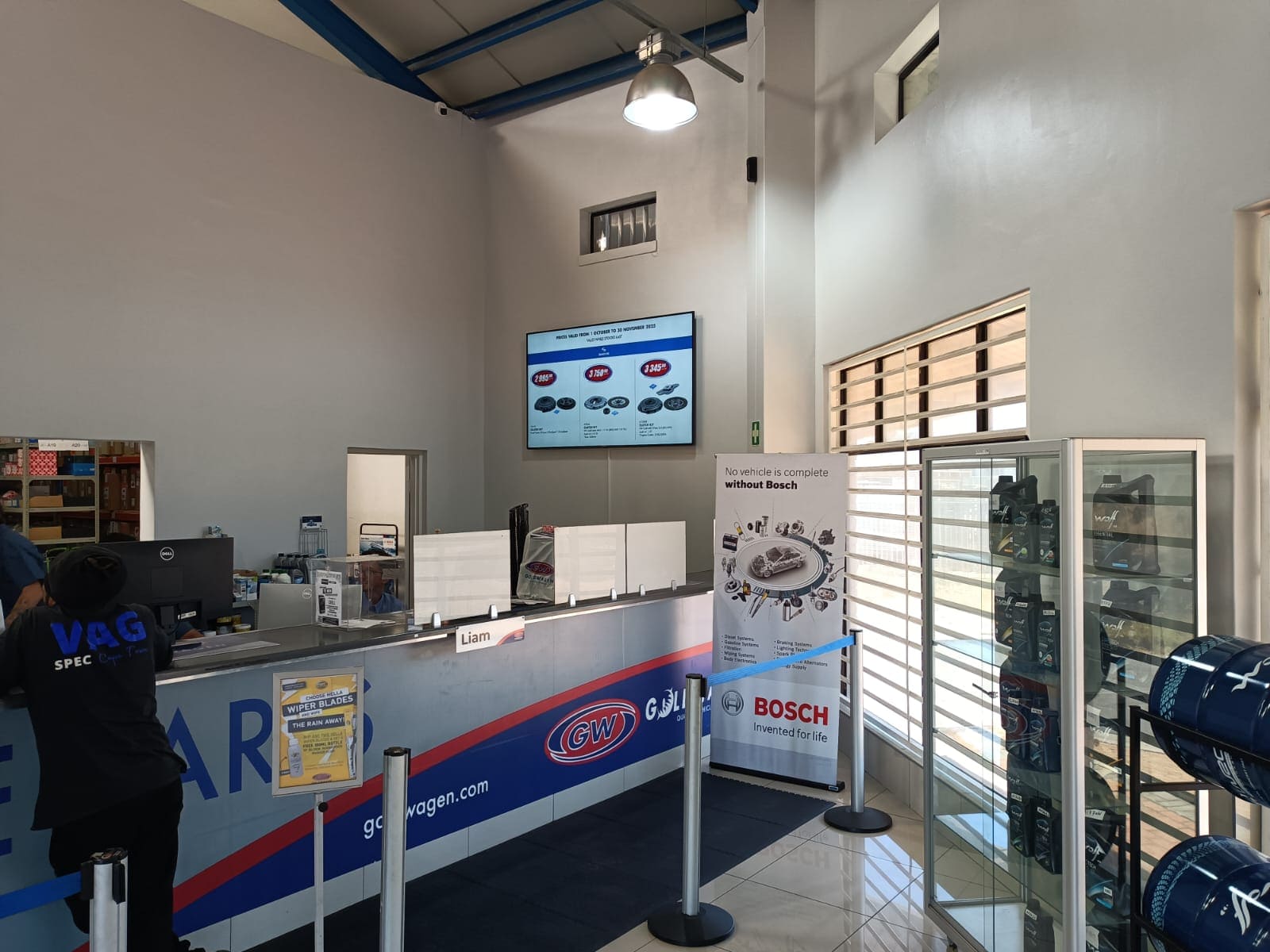
From franchise retailers to the Cape Town Cruise Terminal, see why businesses across South Africa choose Imagine to run their digital signage screens.
Cape Town International Cruise Terminal
The Essentials
Built for every business
All the Features You Expect from Digital Signage Software
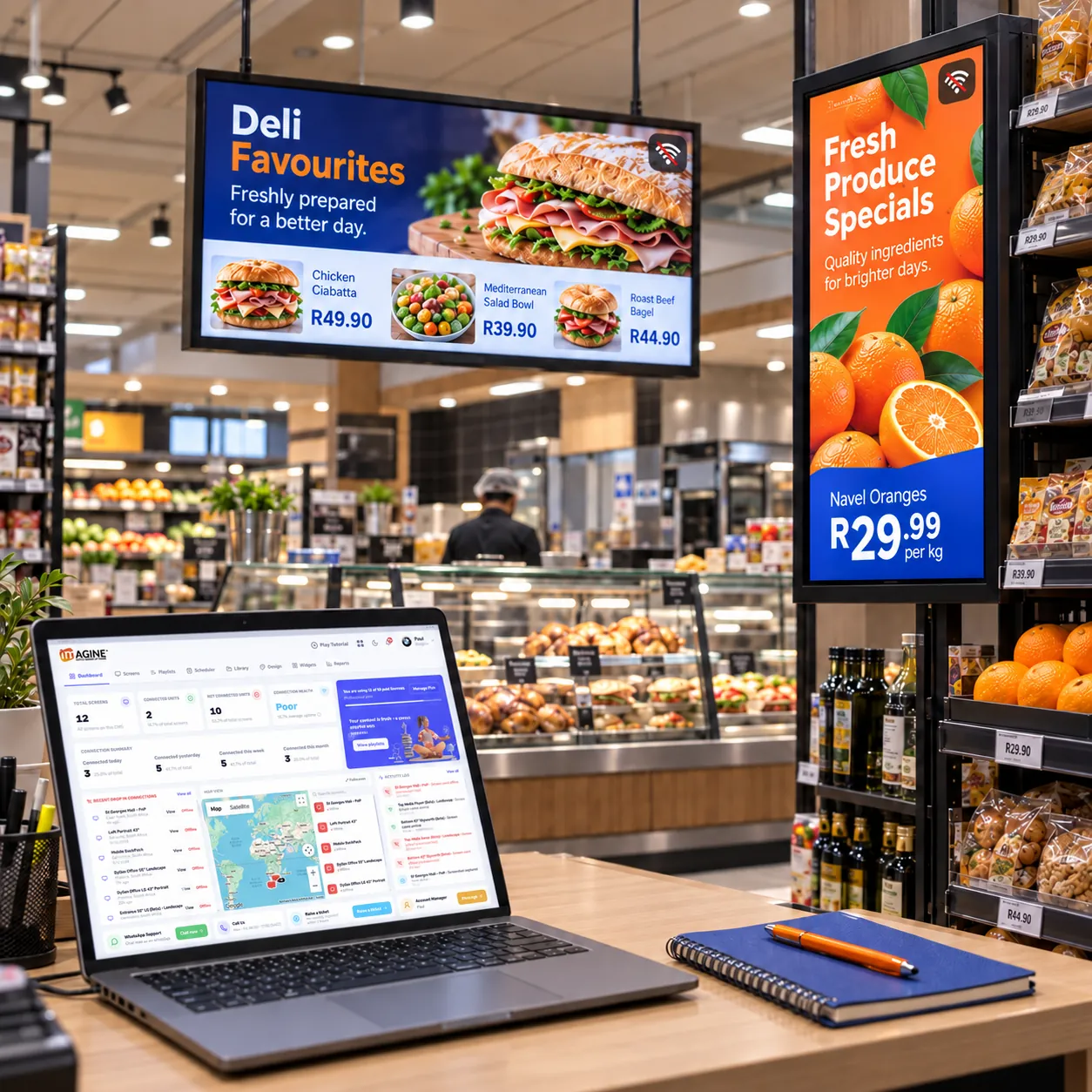
Imagine Digital Signage covers the essentials every screen network needs, whatever your industry.
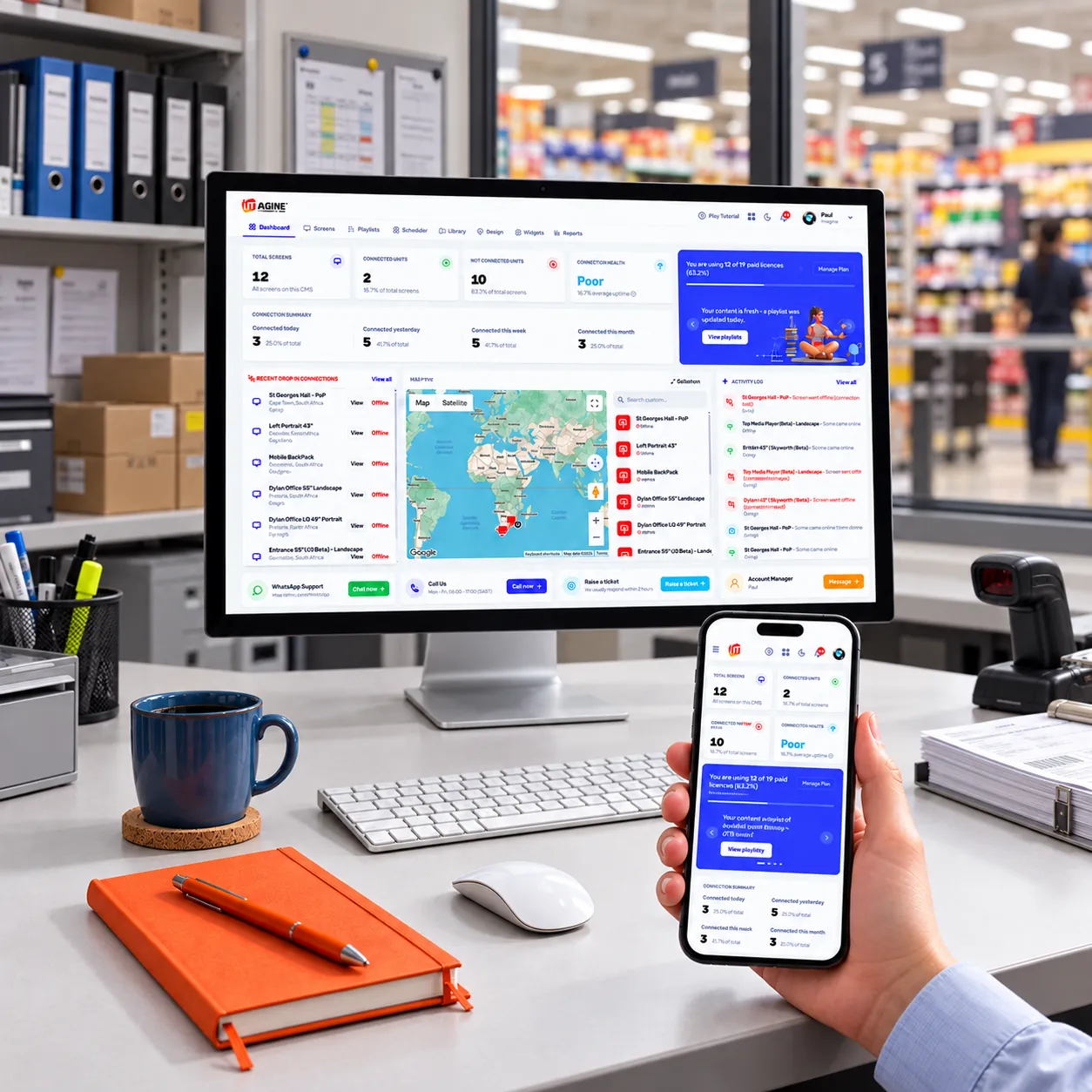
Manage your screens remotely, from any device
Upload, schedule, and publish content from your desktop or phone, whether you're at your desk or between stores, and check the status of every screen from the same dashboard.
Any screen, any size, any resolution
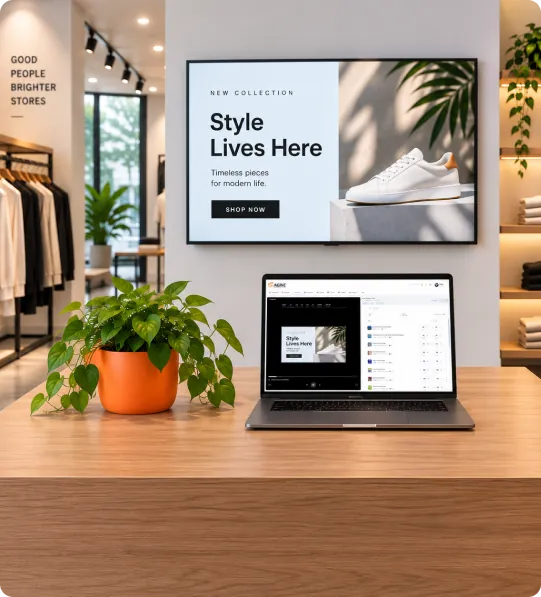
Imagine plays on landscape and portrait screens as well as custom resolutions, so one account can run a menu board, a shop window, and a narrow stretch display along a shelf.
All media formats accepted
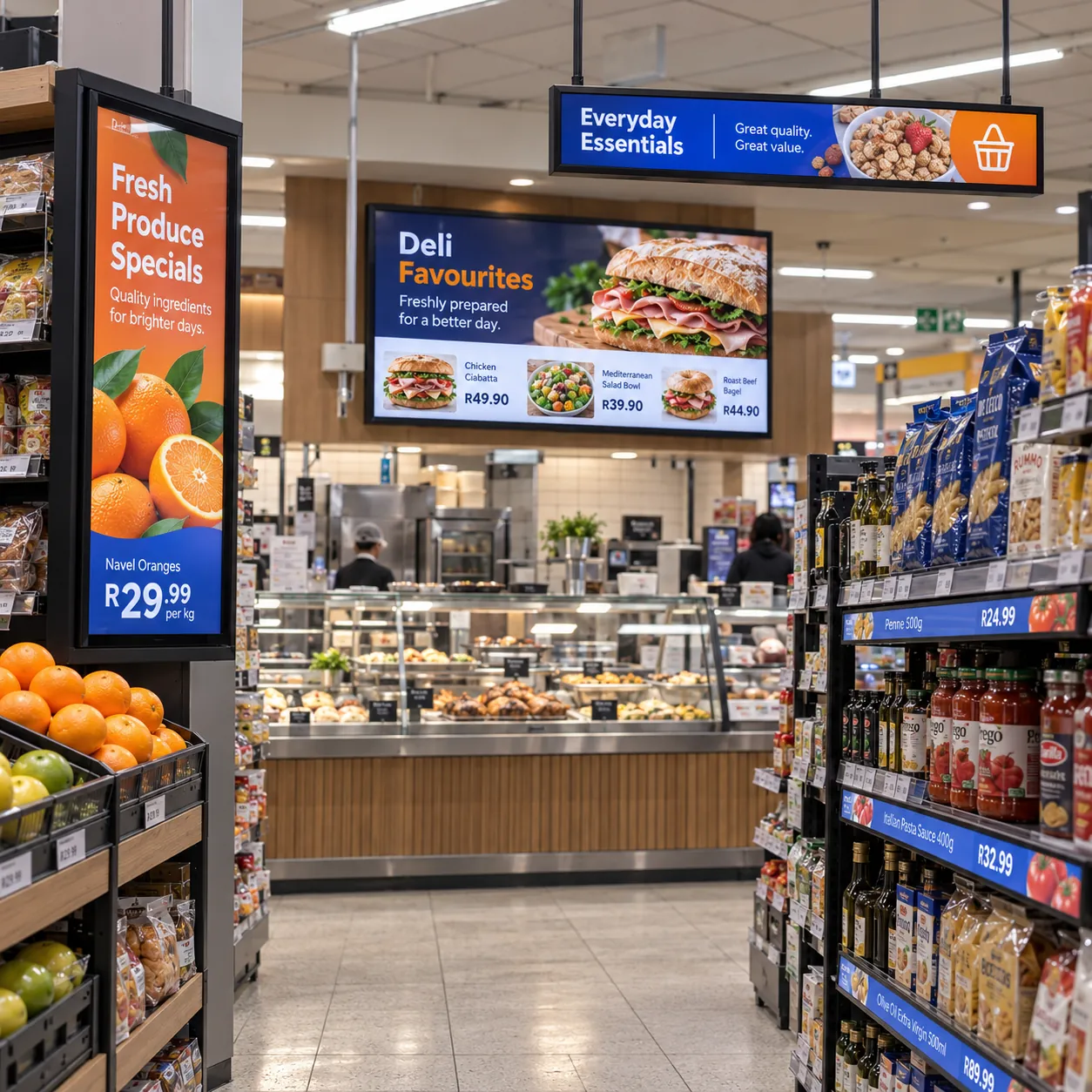
Mix images, videos, PDFs, websites, and widgets in a single playlist, with smooth transitions from one item to the next.
Offline playback
If the internet drops, your screens carry on playing. Content and widgets are downloaded to each player, so the playlist keeps running and picks up any changes once you're back online.
Powerful Features
Do more, faster
Canva, Scheduling, Reporting & Widgets in One Platform
Everything you need to create, schedule, monitor and update your screens, from Canva designs and day-parting to proof-of-play reports and more than 20 free widgets, in one dashboard.
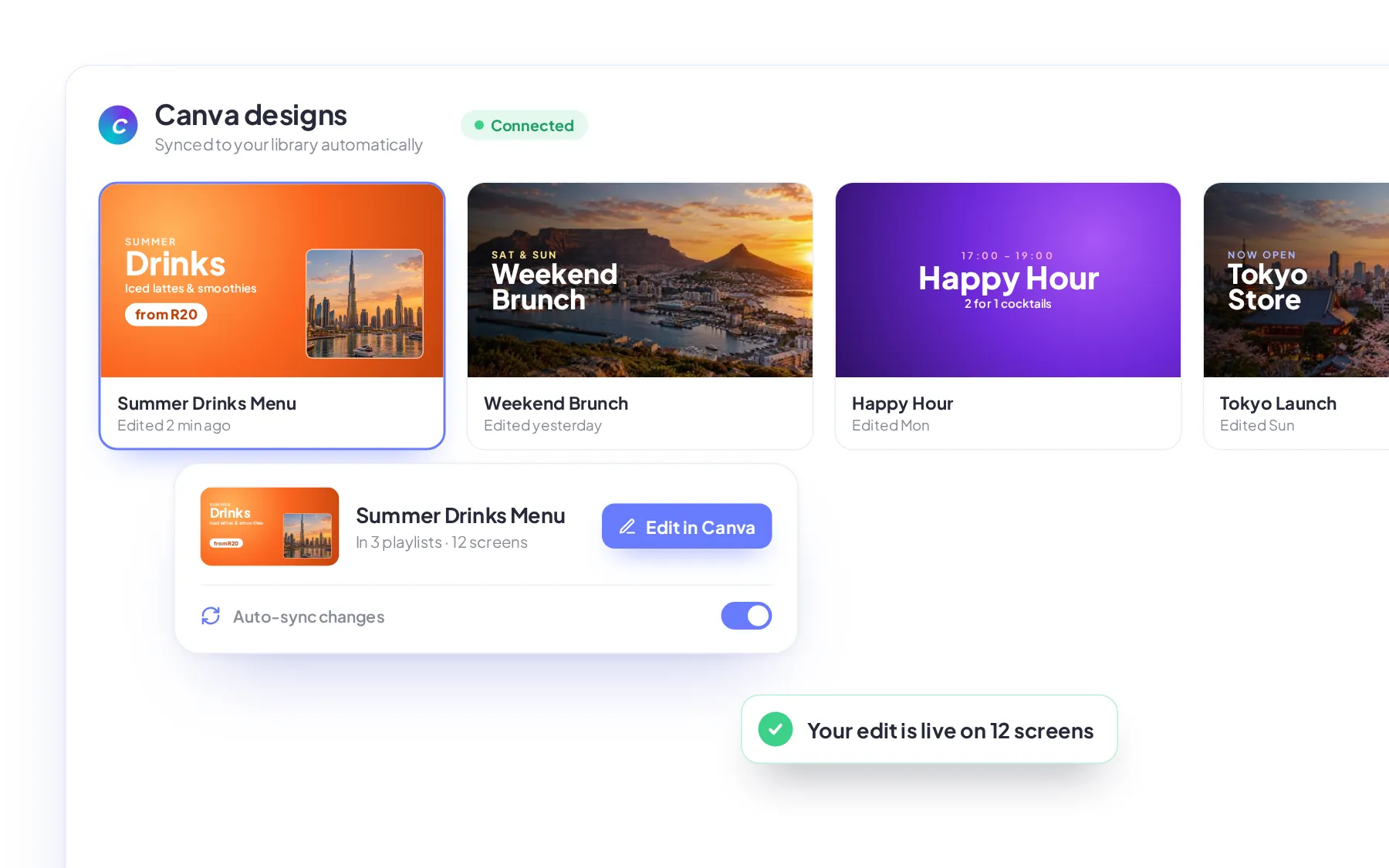
Create in Canva. Publish in Imagine
Turn Canva templates into screen content in minutes, then edit and publish your designs without leaving Imagine.
- Display images or videos from Canva
- Edit designs without leaving Imagine
- Changes sync to your playlists
Scheduling & day-parting
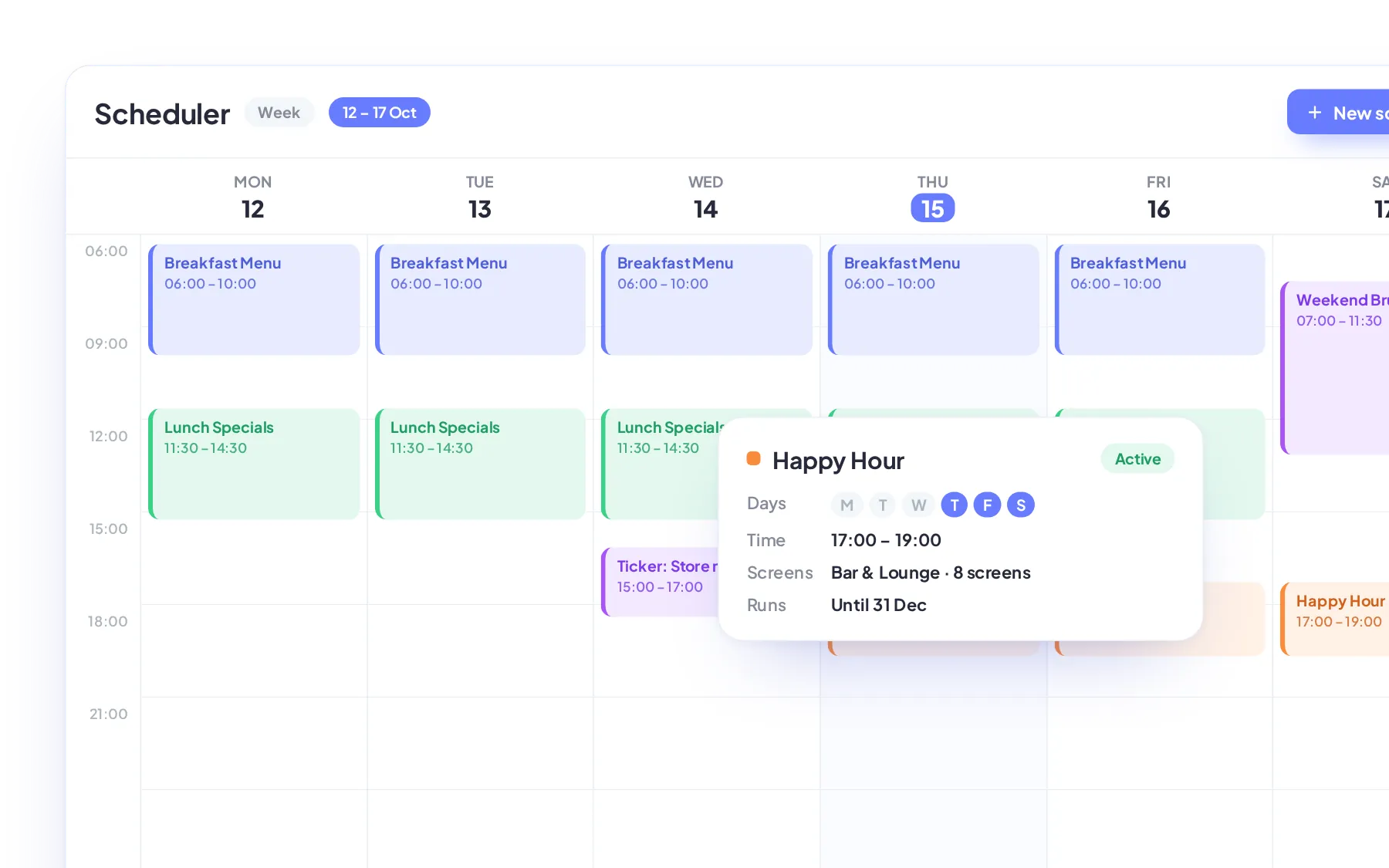
Set it once and let your screens change on their own. Schedule media or playlists by day, time, and date. Run promotions in an L-shape squeeze-back beside your content, or repeat key messages with scrolling text.
- 4 schedules to choose from
- Day, time, and date rules
- Target screens, tags, or playlists
20+ free widgets
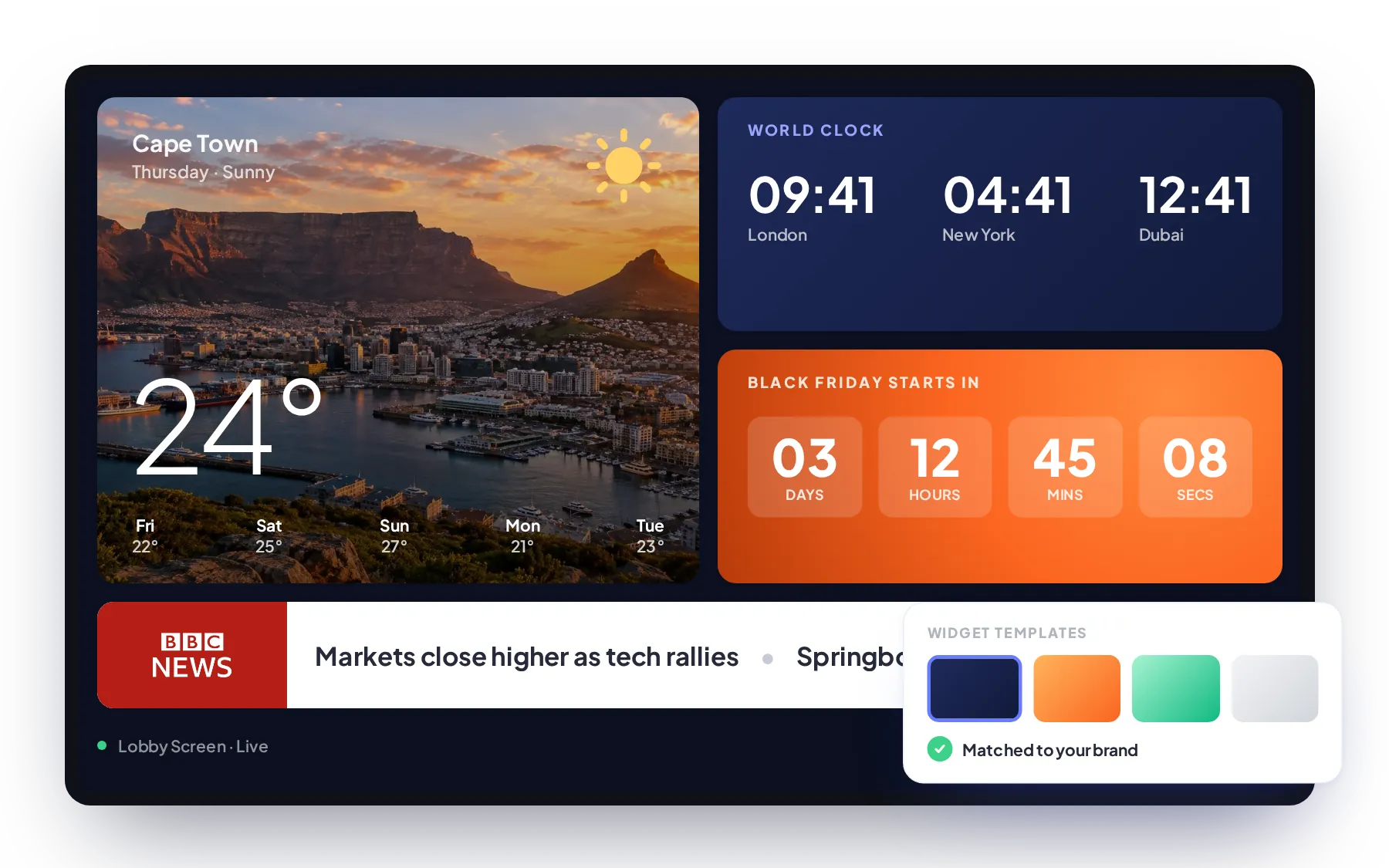
Add news, weather, countdowns, world clocks, social feeds, and more to any playlist. Choose the content source, match the design to your brand, and add the widget to a playlist, at no extra cost.
- Add unlimited widgets at no cost
- Ready-made templates available
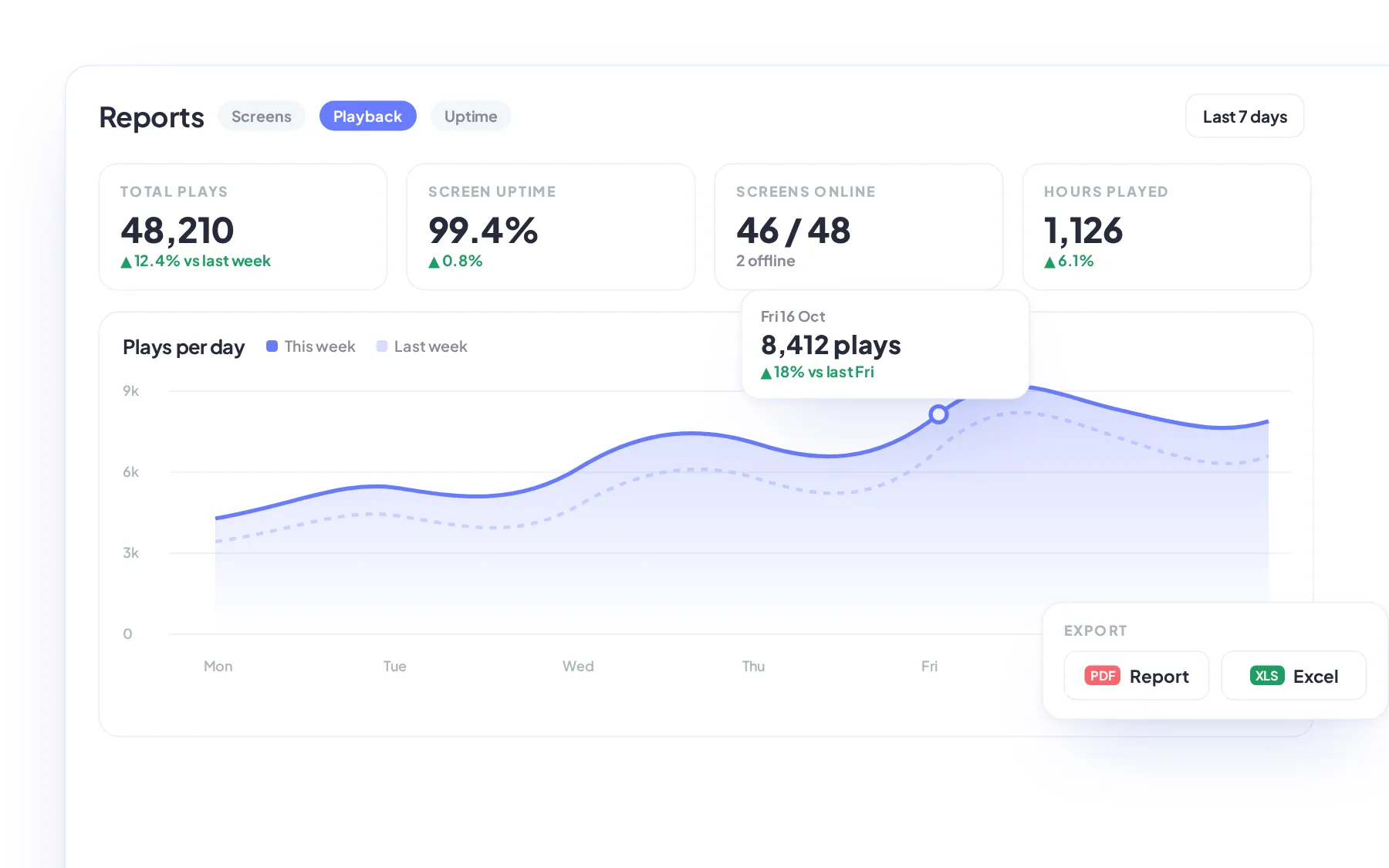
Proof-of-play reports & screen uptime
Know exactly what played, where, and when. Track screen status, playback, and user activity across your network, then share the reports with head office, clients, or advertisers.
- Detailed filtering options
- Comparison reports
- PDF and Excel exports
How it works
Live in four steps
Get your digital signage live in four simple steps
From sign-up to screens on air in minutes. No hardware lock-in, no technical setup and no long contracts - just a cloud dashboard that South African businesses can run from anywhere.
-
Create your free account
Sign up in under a minute and open your cloud dashboard. Start free on one screen and add licences only as your network grows.
No credit card required
-
Connect your screens
Install the Imagine player on an Android media player, Android TV or LG webOS display, then pair it to your account with a one-time code.
Android · LG webOS
-
Add and schedule content
Upload images, videos and PDFs, design in Canva or add live widgets. Build playlists and schedule them by day, time and screen group.
Canva · 20+ widgets
-
Publish and monitor
Go live across every location in one click. Check screen status remotely and export proof-of-play and uptime reports whenever you need them.
Offline playback built in
Pricing
Simple, per-screen pricing
Digital Signage Pricing Made Simple
No limitations, no hidden costs. One simple package that gives you access to every Imagine feature, with a starter option available if you want to try us out first.
Save 20%
FAQ
Your questions, answered
Digital signage FAQs for South African businesses
Straight answers on pricing, compatible screens, offline playback and local support - everything to know before your first screen goes live.

Digital signage is the use of digital screens (LED or LCD) in any industry to display content such as adverts, menus, announcements and live updates. Managed through software, it allows businesses of any size from anywhere to centrally and remotely control what appears on each screen and when, keeping information relevant and easy to update across one or multiple locations.
Imagine costs R150 per screen per month, including all features, unlimited user accounts and future software updates and upgrades. You only pay for the screens you use, and you can add more to your account as your business grows.
If you would like to try it first, our free plan lets you use one screen with basic features for as long as you like.
In many cases, yes. If your television runs Android TV, you can install the Imagine Android Player and connect it directly to your account. If it does not, an affordable Android media player can turn almost any compatible television into a fully managed digital signage display. If you have an existing LG commercial screen, you can you use our Imagine LG webOS version. If you are unsure whether your existing TV is compatible, contact us and we will be happy to advise you before you purchase any additional hardware.
Imagine supports images, videos, PDFs, Canva designs and web content. You can also add widgets such as news, weather, countdowns and world clocks. Combine these in playlists and display them on portrait, landscape or custom-sized screens.
If the internet connection drops, your screen does not suddenly go blank. Images and videos that have already been published are stored locally on the player, so the existing playlist can continue playing while the device is offline.
During the interruption, the screen will not be able to download new media, receive schedule changes, send current monitoring information, or retrieve fresh data for connected websites and widgets. Those items may continue showing their most recently downloaded information, depending on the widget.
Once the connection returns, the player reconnects to Imagine, checks for changes, and downloads anything new that has been published.
Yes, we are based in Cape Town, South Africa, and offer 24/7 support to customers worldwide. Get in touch by email, WhatsApp, phone, our website contact form, or book a video call at a time that suits you. We are very quick to respond and happy to help, whether you have a simple question or need help sorting out a problem.
Start Today
Get started for free
Ready to get started? Every screen, one dashboard
Join the businesses already running their screens on Imagine. Register in minutes, or book a demo and we'll show you around.
- Free plan for your first screen
- LG webOS & Android players
- Set up in minutes